


Business software treated as core, not an add-on
CAD, CAM and licence-driven tools are handled with the same priority as accounts and network, because that is where most Neuchâtel workshop incidents actually start.
Precision SMEs, workshops and technical teams · Remote or on-site support depending on the blocker · Production stations, business software and manufacturing files
A watchmaking workshop around Neuchâtel doesn't stop for a slow computer — it stops when a production PC freezes, a CAD licence refuses to validate, or a manufacturing file goes missing. The fix has to respect how the machine and the software actually work together, and the follow-up note is written for the people running the equipment, not a generic office user.
Around Neuchâtel and the watchmaking arc, IT incidents rarely stay purely technical: a production station tied to a specific machine, a CAD or CAM licence that stops validating, or a manufacturing file that disappears can stop a workshop, not just a desk. Diagnosis starts from what the workshop actually needs back online, not from a generic checklist.
The environment is often more specific than a standard office: PCs linked to machine controllers, business software with per-seat licensing, technical drawings, and file shares used by both the office and the shop floor. Support accounts for that from the first call, checking whether the issue is the licence, the network, the file, or the machine link itself.
Once use is restored, the report is written for the people who actually run the equipment: what the likely cause was, what got fixed, and what is worth watching before the same failure comes back mid-production.
The goal is restoring production first, then documenting the cause clearly enough for the technical team to prevent it happening again.
CAD, CAM and licence-driven tools are handled with the same priority as accounts and network, because that is where most Neuchâtel workshop incidents actually start.
Production-station diagnostics never touch machine control blind; the connection between PC and equipment is understood before anything is reset.
Every fix closes with a note a workshop's own technical staff can use, not a generic summary written for an office user.
The scope covers four blocker families common to Neuchâtel workshops: production stations and business software, shop-floor network, manufacturing files, and follow-up when the same failure recurs. Each request is triaged by production impact.
A production station that freezes, a CAD or CAM licence that suddenly stops validating, or a machine-linked PC that will not start are common blockers in Neuchâtel workshops. Diagnosis checks the licence server, the local activation, the operating system and the connection to the machine, in that order, before assuming a hardware fault.
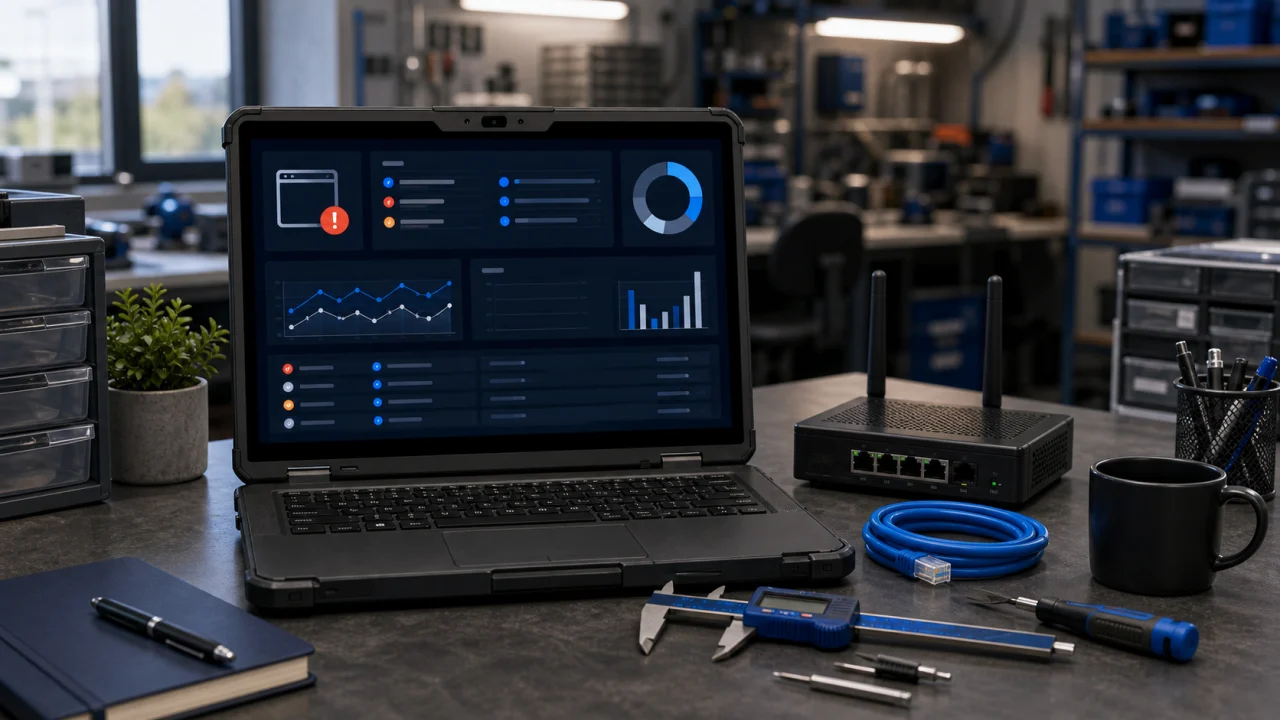
Business software in a technical SME often runs on older, specific configurations that a generic IT approach would break. Fixes are made with that constraint in mind, and every change is documented so the technical team knows exactly what was touched on a system they depend on daily.
A workshop network often mixes office Wi-Fi with wired connections to machines and a local file server holding technical drawings. When connectivity drops, the first step isolates whether the cause is the device, the switch, the cabling on the shop floor, or the server itself, before anything is reconfigured blind.
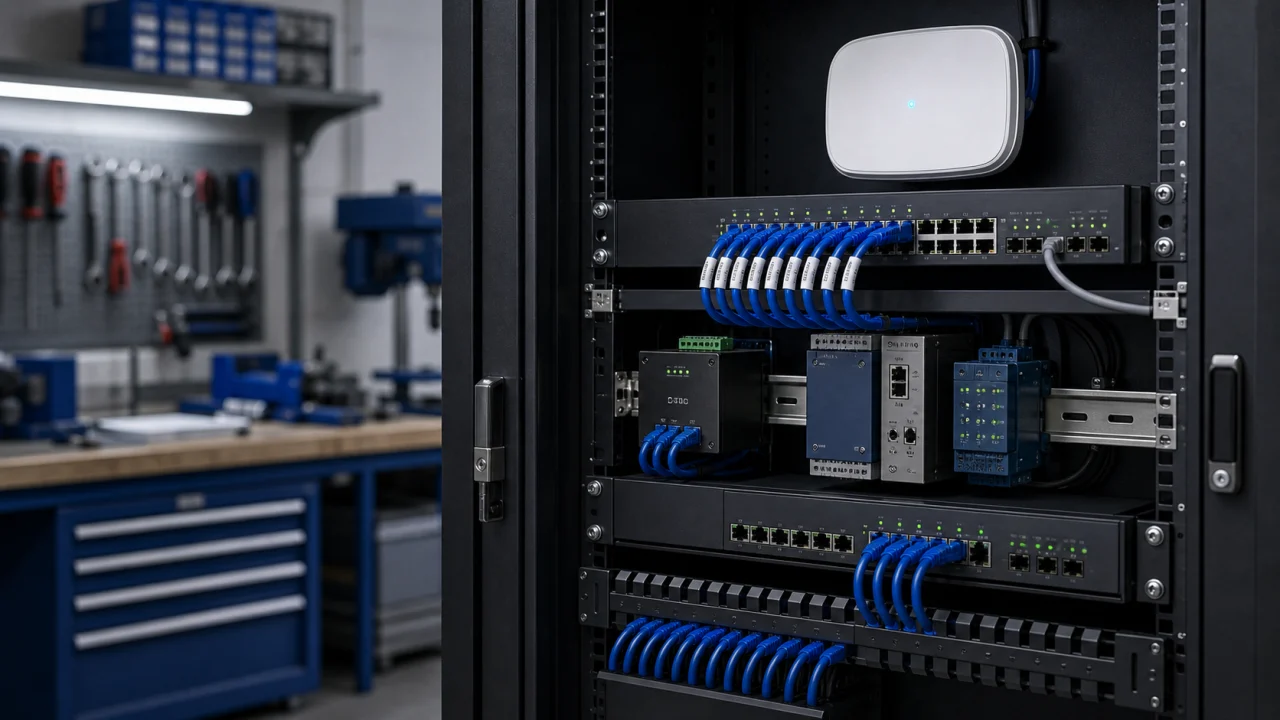
Remote checks handle most configuration issues. A visit to the workshop, whether in Neuchâtel, La Chaux-de-Fonds or Le Locle, is reserved for cases where equipment or shop-floor cabling genuinely needs a physical inspection, so time is not lost on unnecessary travel.
A missing technical drawing, a corrupted manufacturing file or an uncertain backup can stall a production run in a precision workshop. Before any recovery, available versions, file-format integrity and the risk of overwriting a working version are checked carefully.
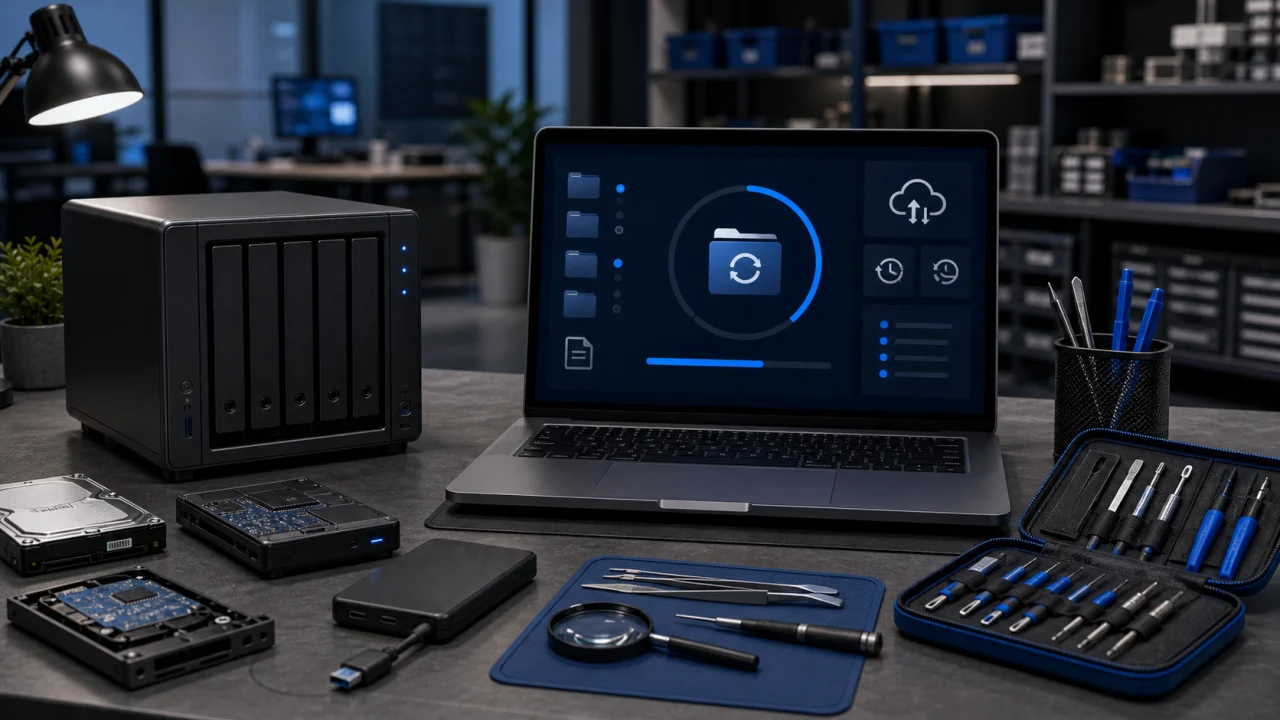
Recovery only closes once the technical team confirms the file opens correctly and matches what production expects. The follow-up note lists what was restored, what stays uncertain, and whether a backup review is worth planning for the workshop's file server.
When a licence keeps failing to validate, or the same production station keeps freezing, the issue moves past a one-off fix. Follow-up reviews licence health, backup status, ageing machine-linked hardware and network stability to reduce avoidable downtime on the shop floor.

This is proposed only when it genuinely makes sense for a technical SME: a short list of priorities, providers to coordinate on licensing, and documentation the workshop's own team can actually use, without pushing a maintenance contract that does not fit.
A production blocker gets resolved faster when the machine link is understood before anything is touched: which station, which software, what changed recently. This method keeps checks remote first and confirms every fix against real production use.
04 steps
A single desk or an entire production line: urgency is set by what part of the workshop is actually blocked and how it affects a running order.
Business software, licence servers, activations and configuration are checked remotely first, since most blockers trace back there rather than to the hardware.
An on-site visit is scheduled only when a machine-linked PC, a peripheral or shop-floor cabling genuinely needs to be checked in person.
The fix is retested against real production use before closing, and the report is written for the people who actually run the equipment.
The answers cover business-software licensing, machine-linked diagnostics, manufacturing files and when an on-site visit to the workshop becomes necessary.
Yes. Licence servers, activations and configuration for business software used in precision workshops are core scope, checked remotely first.
Yes, remotely for the software and configuration side. An on-site visit follows only when the physical link between the PC and the machine needs to be checked.
Yes. Recovery checks version integrity and confirms with the technical team that the file matches what production actually needs before closing.
Follow-up reviews licence health, backups and hardware age to reduce avoidable downtime, sized to how the workshop actually runs.
No. Most licence and software issues are fixed remotely. A visit happens only when a machine-linked PC, a peripheral or shop-floor cabling genuinely needs a physical check.
Yes. Workshop Wi-Fi, wired connections and local file servers are covered, with on-site checks reserved for equipment or cabling issues.
Yes, support covers Neuchâtel, La Chaux-de-Fonds, Le Locle, Peseux and Boudry, with nearby requests coordinated as needed.
Yes. The affected station, software and any recent change are confirmed first, then a remote fix is attempted immediately, with a workshop visit scheduled only if the machine link itself needs checking in person.
Yes. The report lists the likely cause, the checks performed, remaining limits and any licence or hardware follow-up worth planning.
Support in Neuchâtel, La Chaux-de-Fonds, Le Locle, Peseux and Boudry, with nearby IT requests coordinated as needed.
Share which station or software is affected, the error message, whether a backup exists and whether the issue touches the machine link, the network or a manufacturing file. This helps prioritise the fix and choose the right channel.