SME offices, practices and consulting teams · Remote support or on-site visit depending on the blocker · Workstations, Microsoft 365, network and printers
A single locked account or an unresponsive shared drive can stop an entire Lausanne office mid-morning. Most of these blockers get fixed remotely within the hour; a technician only travels out when a router, a cable or a physical device turns out to be the real culprit, and every ticket ends with a short note on what actually happened.
SME offices, practices and consulting teams in Lausanne
Microsoft 365, shared drives and printers included
Remote fix first, on-site visit only when justified
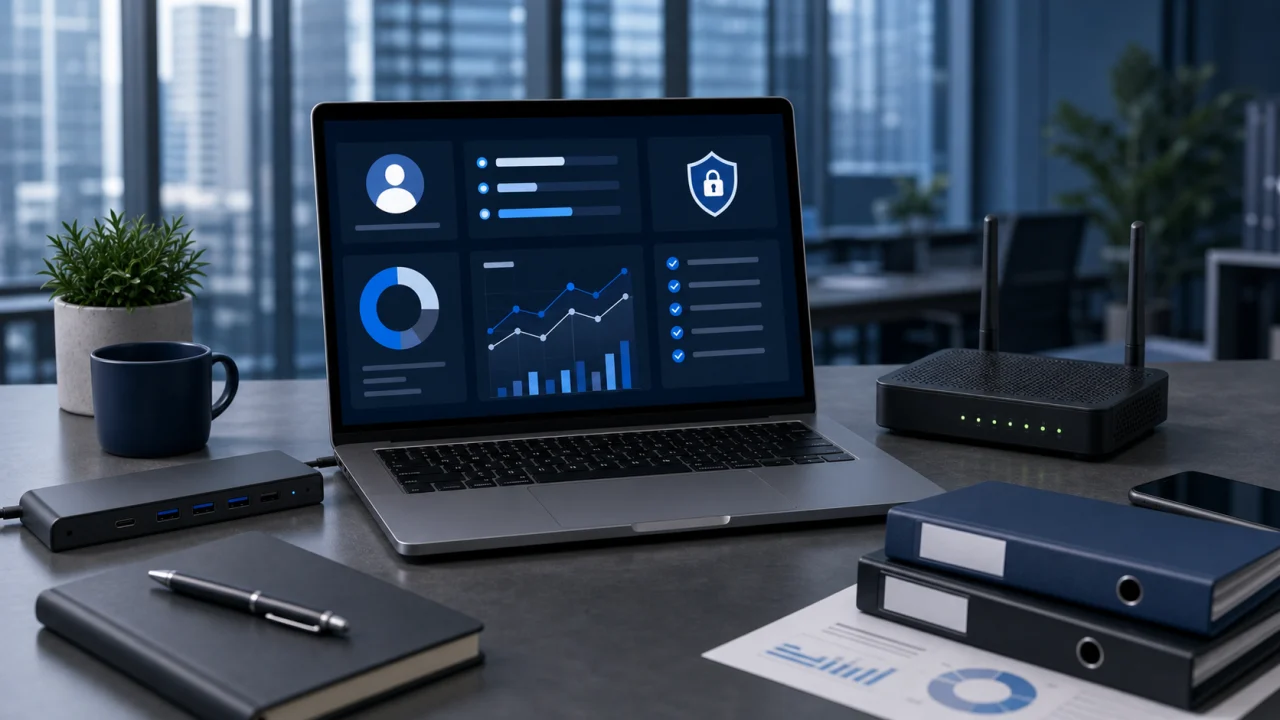
Workstations
Windows, macOS, slowdowns and peripherals.
Signal received
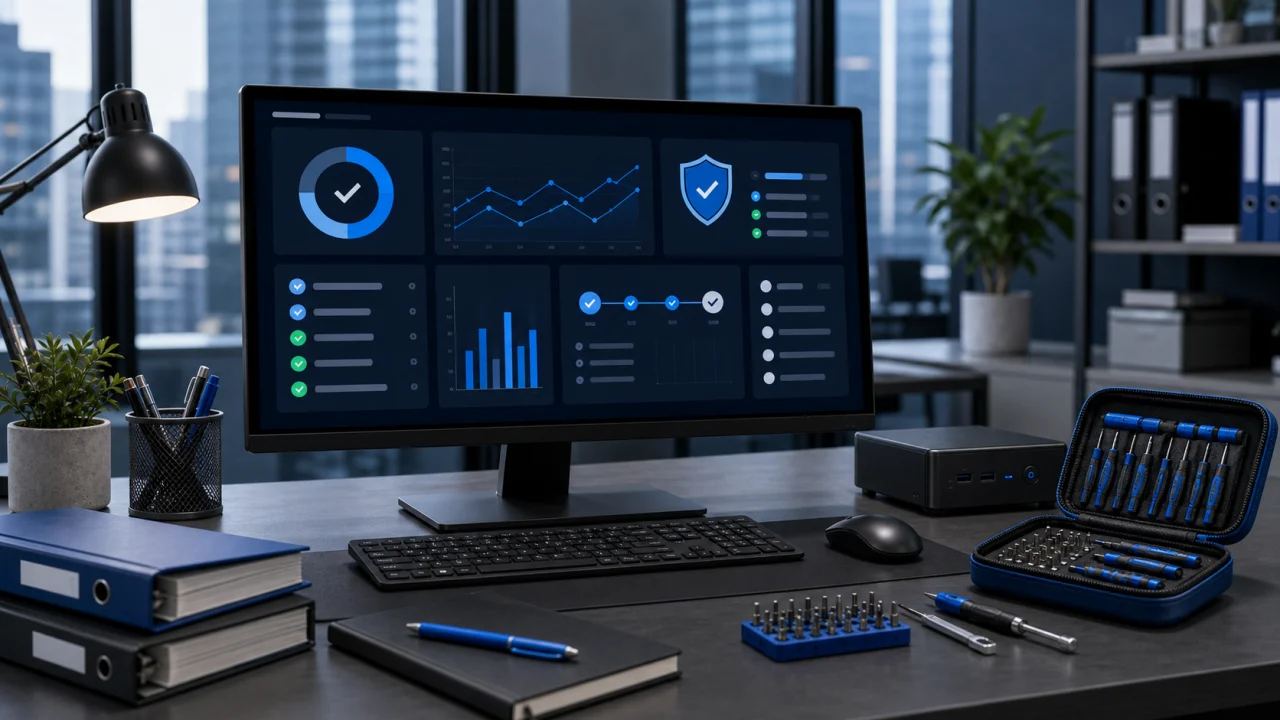
Microsoft 365
Mailboxes, OneDrive, Teams and licences.
Fix launched
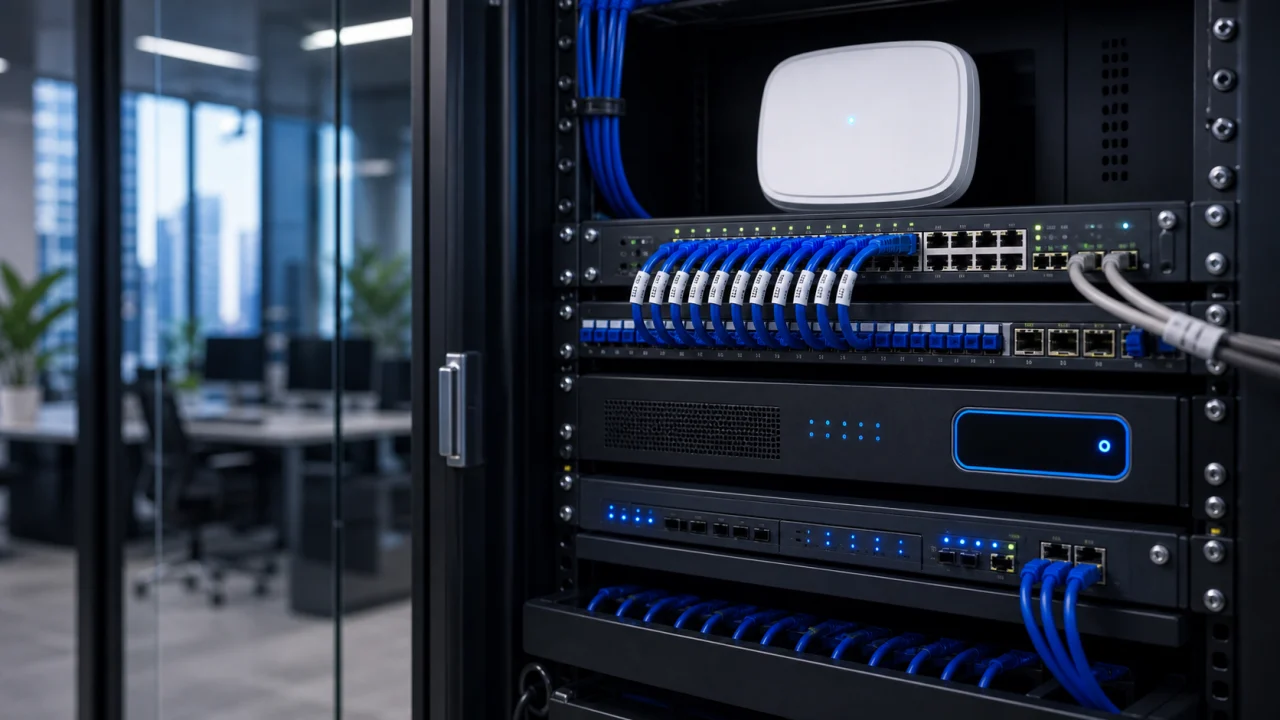
Network
Wi-Fi, printers, VPN and file shares.
Channel picked
Live dispatch
Fusengine · Lausanne
IT support Lausanne
IT incident in a Lausanne office
One blocked account or one dead printer can slow an entire team down within minutes.
Open a ticket
Live queue
tracked requests
07
LausanneOps board
Channel · matched · remote or site
Incident lanes
Office-first triage
No invented promises
SME-friendly follow-up
Trace
delivered
clear next step
Qualify, fix remotely, escalate if needed
support.fusengine.ch/lausanne
IT support Lausanne
IT support for Lausanne offices: fix the team blocker first
In Lausanne, most support requests come from small and mid-size offices: a consulting firm, an accounting practice, an agency or a service SME running on a shared network and Microsoft 365. A single blocked mailbox, a locked shared drive or a printer that stops responding can slow down a whole floor, so triage starts by measuring how many people are actually affected.
The stack is usually familiar: Windows or Mac laptops, Microsoft 365 for mail and files, a local Wi-Fi network, a shared printer and sometimes a VPN back to a head office. Diagnosis checks accounts, licences, permissions and network configuration remotely first, since most of these issues never require touching a physical device.
On-site visits are reserved for what remote access genuinely cannot fix: a router, a switch, cabling, a printer that needs a hands-on look, or a workstation with a hardware fault. Once the fix is confirmed, a short report explains the likely cause and what, if anything, is worth watching next.
SME offices, consulting firms and practices around Lausanne
Microsoft 365 accounts, mailboxes, OneDrive and Teams included in scope
Remote diagnosis by default, on-site only for hardware or cabling
Shared printers, file servers and office Wi-Fi covered
Follow-up report that states the cause, not just the fix
Field proof
What proves a Lausanne office incident was actually resolved
Proof is not a fast-response slogan. It comes from a fix that was verified with the actual user, a cause that got documented instead of guessed at, and a report the office manager can read without needing a technical background.
Account lockout
Microsoft 365 account locked after a password change
A password reset that did not sync everywhere can lock a mailbox on one device while it works fine on another. The fix checks cached credentials, multi-factor authentication and connected devices, then walks the user through a clean re-authentication instead of guessing at a reset.
Shared printer
Office printer stuck in an endless queue
A stuck print queue often traces back to a corrupted job, a driver mismatch after an update, or a printer that silently dropped off the network. The fix clears the queue safely, checks the driver on affected machines, and confirms the printer answers again before closing the ticket.
Office Wi-Fi
Wi-Fi that drops for part of the office every afternoon
A recurring, time-based drop usually points to interference, an overloaded access point or a scheduled task on the router rather than a random fault. Logs and signal checks narrow down the cause before any equipment is touched or replaced.
Shared drive
Shared drive suddenly showing 'access denied' for one team
Permission changes made for one project can accidentally cascade to another team's folder. The fix reviews recent permission changes, restores the correct access level, and confirms with the affected team that the drive behaves as expected again.
Before the fix
Confirm scope before touching anything
The number of people affected, the shared resource involved and any recent change are confirmed before a fix is attempted, to avoid guessing at the wrong cause.
After the fix
Retest with the actual user
Closing the ticket depends on the affected person confirming the fix works, not just on a technical check that looks correct.
Useful follow-up
Document without overselling maintenance
The report states the likely cause, what was changed and whether a follow-up review is genuinely worth scheduling for the office.
Method
Urgent IT support in Lausanne: from first report to a verified fix
Office downtime works better when the impact is scoped before any action: who is blocked, which shared resource is involved, and whether hardware is genuinely at fault. This method keeps most fixes remote and confirms them before closing.
04 steps
01Signal received
Measure the impact on the team
One person or the whole office: urgency is set by how many people are actually blocked and what work depends on the affected account, drive or device.
02Channel picked
Fix remotely wherever possible
Accounts, Microsoft 365, permissions, VPN and configuration checks happen remotely first, since most Lausanne office incidents never require touching a physical device.
03Fix launched
Go on site only for hardware
A technician visits the office only when a router, switch, printer or workstation genuinely needs to be checked, reset or replaced in person.
04Trace delivered
Confirm and document
The fix is retested with the affected user before closing, and a short report explains the likely cause and anything worth watching.
Signal receivedChannel pickedFix launchedTrace delivered
Intervention scope
Office IT support: workstations, Microsoft 365, network and files
The scope covers four incident families common to Lausanne offices: workstation and account issues, network and printer troubleshooting, shared drives and backups, and follow-up when the same problem recurs. Each request is triaged by how many people are affected.
Workstations and Microsoft 365
Workstation and Microsoft 365 support for Lausanne offices
A slow Windows laptop, a macOS session that won't sync, a locked Microsoft 365 account or a licence that stopped working are the most common blockers in a Lausanne office. Diagnosis checks the account, the device and the affected app in that order, so the fix targets the real cause instead of a symptom.
Shared mailboxes, OneDrive syncing, Teams access and multi-factor authentication are part of day-to-day support, not an afterthought. Once corrected, the fix is documented so the office manager or the team lead knows what changed and what to watch if the same issue starts to repeat.
Windows and macOS devices for office and remote staff
Microsoft 365 mailboxes, OneDrive, Teams and licences
Multi-factor authentication and permission checks
Network and printers
Office Wi-Fi, printers and shared network troubleshooting
An office Wi-Fi that keeps dropping, a printer that refuses new jobs or a VPN that won't connect can stop several people working at once, and the cause is not always obvious from the symptom alone. The fix starts by isolating whether the source is the device, the router, the printer itself or the internet line.
Most connectivity issues in a Lausanne office get resolved through a remote configuration check. A technician goes on site only when a router, switch, access point or printer needs to be physically inspected, reset or replaced, and that step is always explained before it is scheduled.
Office Wi-Fi, router and access point troubleshooting
Shared printer setup, queue and driver issues
On-site visits reserved for equipment or cabling checks
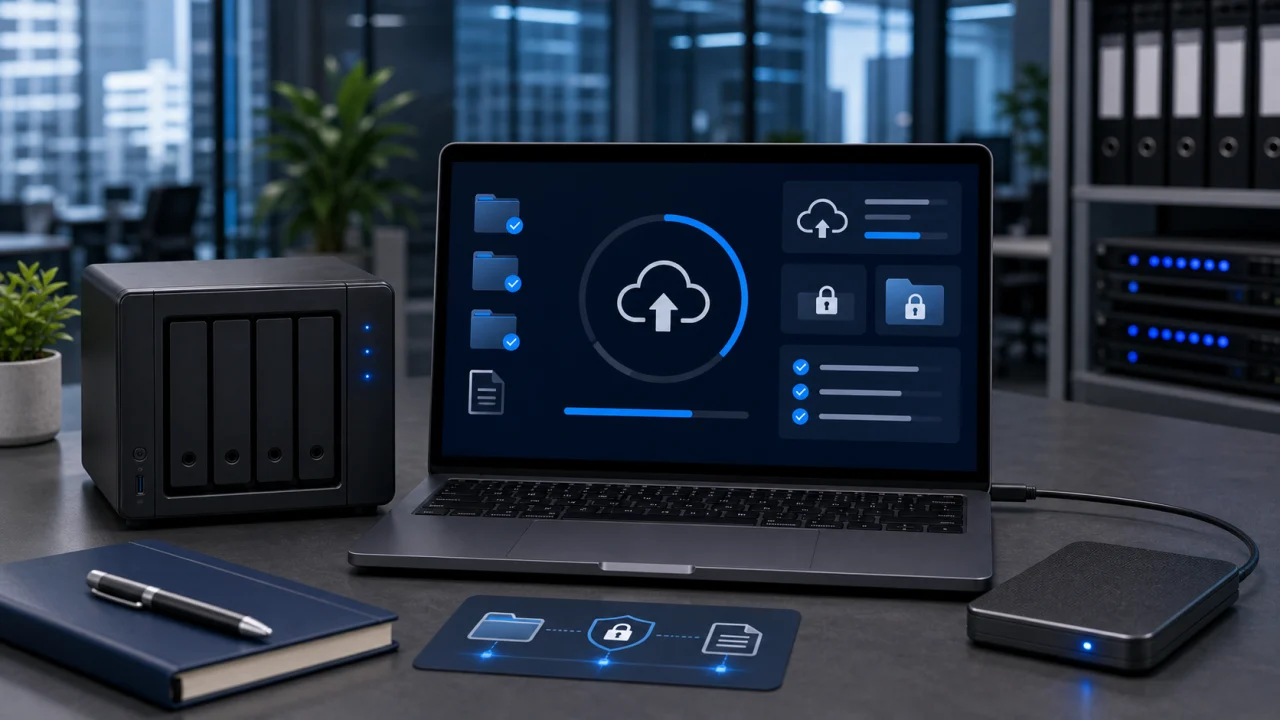
Files and backups
Shared drives, backups and blocked files
A shared drive that suddenly denies access, a file that seems to have vanished from OneDrive, or an uncertain backup are recurring issues for office teams that rely on cloud storage day to day. Before touching anything, available versions, permissions and sync status are checked to avoid making the problem worse.
Recovery only closes once the person who reported the issue confirms the file or the share is back to normal. The follow-up note lists what was restored, what stayed uncertain, and whether a backup review is worth scheduling for the team.
OneDrive, SharePoint and shared-drive access checks
Version and permission review before any recovery attempt
Confirmation with the requester before closing the ticket
After the incident
Follow-up for offices where the same issue keeps returning
When the same printer jam, the same Wi-Fi drop or the same account lockout comes back every few weeks, a one-off fix stops being enough. Follow-up reviews the office network, shared accounts, backup health and ageing hardware to reduce how often the team gets interrupted.
This is only proposed when it makes sense for the size of the office: a short list of priorities, a note on what a provider should coordinate, and documentation the next person can actually use, without pushing a maintenance contract that does not match how the team works.
Review of network, accounts and shared devices when issues repeat
Recommendations sized to a small or mid-size office
Documentation useful for the next incident, not just this one
Support framework
Support built around how Lausanne offices actually run
The goal is restoring the team's work first, then documenting the cause clearly enough that recurring issues get noticed and addressed.
Remote-first, so most fixes land the same day
Since most office blockers are account, permission or configuration issues, a remote session usually restores access without waiting for a technician to travel across Lausanne.
Fluent with the Microsoft 365 stack offices actually use
Mailboxes, OneDrive, Teams, shared drives and licences are treated as core scope, not an add-on, because that is what most Lausanne office incidents involve.
A report the office manager can actually use
Every fix closes with a short, readable note on the cause and the fix, so recurring issues get spotted instead of quietly repeating.
IT support FAQ
Frequently asked questions from Lausanne office teams
The answers cover what is handled remotely, when an on-site visit becomes necessary, how Microsoft 365 issues are treated, and what information speeds up a fix.
Do you support Microsoft 365 accounts and licences?
Yes. Mailboxes, OneDrive, Teams, shared calendars, licences and multi-factor authentication are part of standard scope for Lausanne offices.
Will you always need to come to our office?
No. Most account, permission and configuration issues are fixed remotely. A visit is scheduled only when hardware, cabling or an access point genuinely needs a physical check.
Can you help with a shared printer that keeps failing?
Yes. Print queue, driver and configuration issues are checked remotely first; an on-site visit follows only if the printer itself needs to be inspected or replaced.
What if several people in the office are affected at once?
Scope is confirmed first: whether it is one account, a shared resource or the network itself, since that changes both the priority and the fix.
Do you handle shared drives and file recovery?
Yes, once available versions, permissions and sync status are checked. Data protection comes before any recovery attempt.
Do you offer ongoing IT maintenance, not just one-off fixes?
Yes, but only proposed when it makes sense: follow-up is sized to a small or mid-size office, not sold as a default add-on.
Can you support VPN access for staff working remotely?
Yes. VPN configuration, login issues and access to shared resources for remote staff are covered as part of standard support.
Can you respond urgently when a failure blocks the whole office?
Yes. Impact is scoped first — how many people are blocked and which shared resource is affected — then a remote fix is attempted immediately, with an on-site visit scheduled only if the office itself needs a technician present.
Do we get a report after each intervention?
Yes. Every ticket closes with a short note on the likely cause, what was changed, and whether anything is worth watching next.
Describe the office blocker to get the right fix started
Share what is blocked, how many people are affected, any error message and whether the issue touches a workstation, Microsoft 365, the network or a shared drive, so the fix can start on the right channel straight away.
SME offices, practices and consulting teams
Remote fix first, on-site visit only when justified
Clear follow-up report, no invented guaranteed delay