


01
Devices
PC, Mac, slowdowns and peripherals.
IT troubleshooting in French-speaking Switzerland focuses first on restoring use: a blocked PC or Mac, inaccessible cloud account, unstable Wi-Fi, broken VPN, unavailable printer, business software issue or backup to verify. Diagnosis qualifies the issue, measures real urgency and chooses remote support or on-site intervention.
IT support complements troubleshooting when users need help with accounts, permissions, files, peripherals or cloud tools. The goal stays practical: understand the likely cause, fix what can be fixed quickly, protect data and leave a usable trace so the same issue is not repeated.
For an urgent request, useful context matters more than vague speed promises: who is blocked, which service is down, what error appears, whether backups exist and whether the issue affects one device, several users or the local network.
Intervention area
French-speaking Switzerland
Remote IT troubleshooting first, with on-site intervention when hardware, local network equipment or shared peripherals genuinely block restored use.
+41 78 905 99 36
The right channel depends on the real blocker: urgent failure, isolated workstation, cloud access outage, unstable local network or unavailable peripheral. Initial triage avoids promising on-site work when remote correction is enough, and avoids remote-only handling when physical checks are required.
| Issue | Remote | On-site | Follow-up |
|---|---|---|---|
| Account, software or user access | Diagnosis, correction, accounts, permissions | Rarely needed | Access validation and documentation |
| PC, Mac or blocked workstation | Pre-diagnosis, logs, quick tests | Yes if hardware or peripherals are involved | Repair or replacement plan |
| Connectivity, Wi-Fi, VPN, printers | Logical checks and configuration | Yes if equipment or cabling must be checked | Stabilisation and technical follow-up |
| Backup, file, file share | Version checks, permissions, recovery | Depends on local storage or equipment | Recovery validation and follow-up plan |
The scope covers four incident families: user workstation, cloud access, local network and backup. Each request is triaged according to impact, number of affected users and whether remote access or an on-site visit is required.
For regional IT support, an unusable workstation can come from a locked account, Windows or macOS session, damaged profile, mailbox, licence, cloud access or business application. Diagnosis connects the symptom to the likely cause before action.
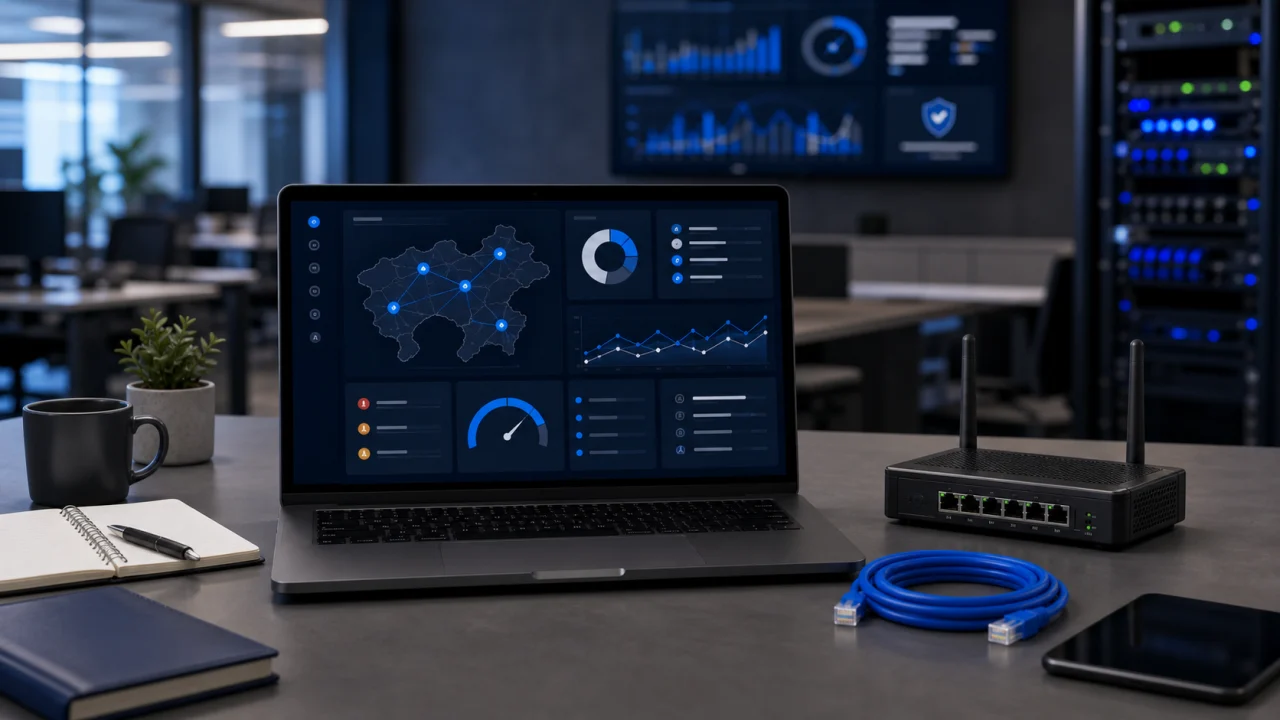
Day-to-day assistance also covers email, cloud synchronisation, file shares, MFA, access rights and work applications. The fix is documented so the customer understands what was done and what should be watched next.
An unstable connection, broken VPN, unavailable printer or inaccessible file share can block several people at once. The intervention starts by isolating the cause across workstation, equipment, configuration, provider or local security, then choosing the right channel.
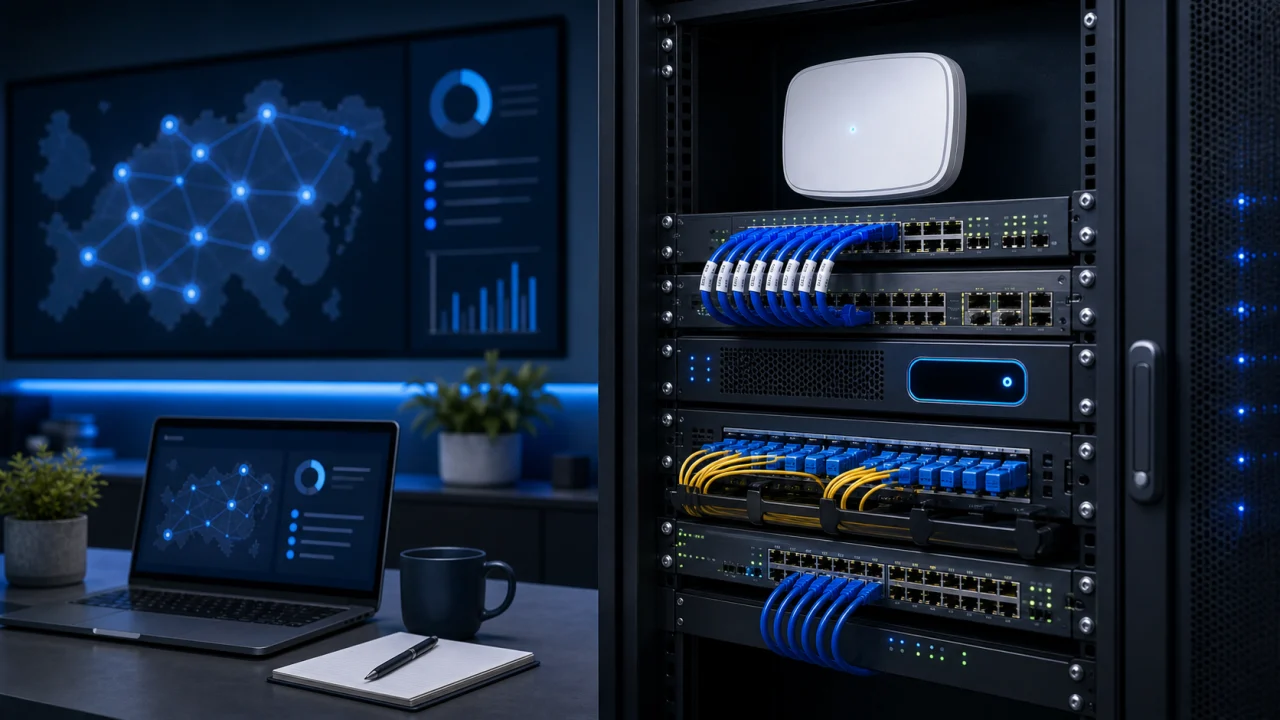
Connectivity checks cover access, DNS, DHCP, file shares, peripherals and provider dependencies. On-site support is reserved for cases where equipment, cabling or the local installation must be checked physically.
A data incident can come from an inaccessible file, uncertain backup, broken synchronisation or incorrect permissions. Before any recovery attempt, the work should confirm available versions, logs and overwrite risks.
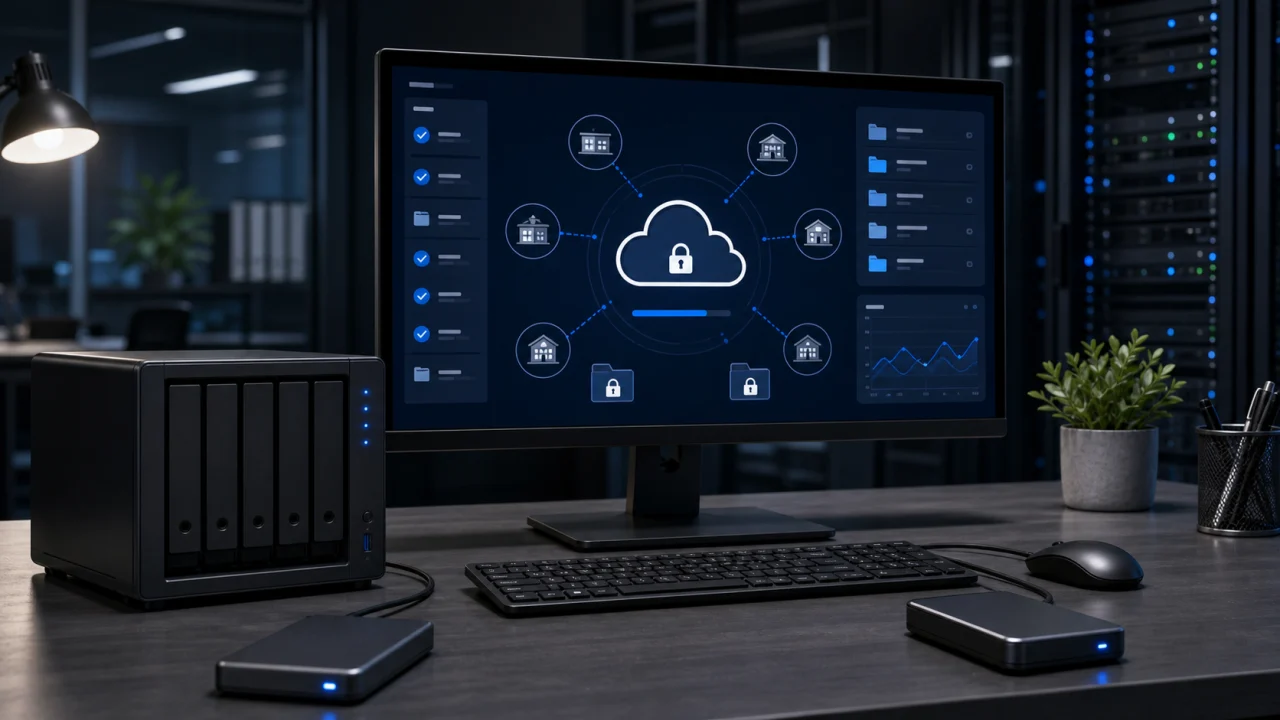
This step protects data before action. The follow-up report should explain what was restored, what remains uncertain and which backup, recovery or permission checks should be planned next.
When the same failures keep returning, the issue goes beyond one-off troubleshooting. Follow-up checks updates, backups, access, workstations, equipment and recurring weak points so avoidable blockers are reduced.
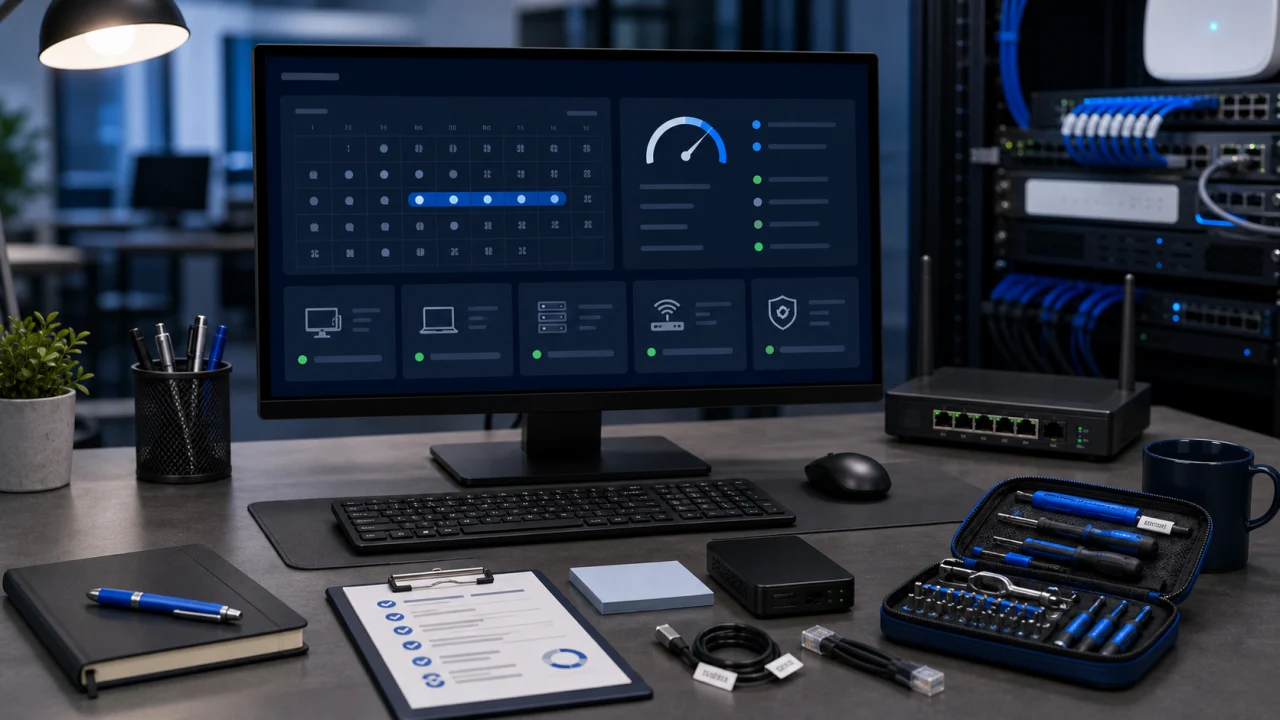
IT maintenance is suggested only when it makes sense: priorities, providers to coordinate, checks to repeat, documentation to complete and risks to monitor. The goal stays proportionate to how the business really works.
Triage starts with facts: user or team affected, PC or Mac concerned, unavailable service, error message, time of appearance, recent action and backup availability. Urgency depends on the real stoppage, not only on perceived pressure.
When access allows it, the first checks happen remotely: accounts, email, user rights, VPN, DNS, cloud synchronisation, logs and configuration. On-site work becomes priority if the blocker involves hardware, local Wi-Fi, a printer, cabling or network equipment.
Before fixing, the work avoids making the issue worse: permissions, backup state, file versions, shared folders, synchronisation and provider dependencies are checked. This protects data before recovery, reset or configuration changes.
The incident is not closed until use is retested: login, business software, email sending, VPN connection, printing, recovery or file sharing. The report states the likely cause, limits, checks performed and useful next steps without pushing unnecessary maintenance.
Proof does not come from vague speed claims. It comes from checks performed before the fix, real-use retesting after the intervention and a follow-up report clear enough to decide what comes next.
Network and VPN
Diagnosis first checks whether the blocker comes from the device, VPN profile, DNS, firewall, router, Wi-Fi or provider change. Tests compare a connection from another network, VPN logs, assigned IP address, DNS resolution and access to internal resources before changing configuration.
VPN rollout
During a VPN rollout, the blocker may be a missing permission, failed MFA validation, a firewall rule, missing certificate, IP range conflict or poorly scoped split tunneling. The final test validates login, file access, business software and stability outside the local Wi-Fi.
Device and access
A device can look broken while the cause sits in a user profile, locked account, licence, sync cache, system date or cloud access. Troubleshooting separates session, network and software issues before recovery or reset.
Data and backup
Before recovery, available versions, permissions, logs, synchronisations and overwrite risk are checked. The incident closes only when the user regains the expected file, share or backup and the remaining limits are documented.
Files, backups, permissions, versions and synchronisations are checked before recovery, reset or configuration changes.
Closure depends on a concrete test: login, email sending, VPN, business software, printing, file sharing or recovery.
The report states the likely cause, checks performed, limits and maintenance follow-up only when it is actually necessary.
The first goal is to restore use, then document the likely cause and define follow-up actions that reduce repeat blockers.
Diagnosis starts from the blocked work or usage: SME activity, independent office, shop, practice or personal computer. Scope stays proportionate to the real impact.
The same issue may involve a computer, PC, Mac, Wi-Fi, business software, cloud access, file share, VPN, printer or user permissions. The analysis avoids fixing only the visible symptom.
IT troubleshooting restores operations. Follow-up comes next only if the same problem returns or if a weakness in backup, network or access needs checking.
The answers explain when to request remote assistance, when an on-site visit becomes necessary, what information to send and how to protect files or backups while an incident is being resolved.
Fusengine covers in French-speaking Switzerland and also coordinates IT requests in neighbouring cities.
Send the blocker, number of affected users, error message, whether a backup exists and whether the issue relates to a workstation, network, cloud access or peripheral. This helps prioritise urgency and choose between remote support and on-site intervention.